Sending GitHub pull-request from your shell
I've always been frustrated by the GitHub workflow. A while back I wrote how Gerrit workflow was superior to GitHub pull-request system.
I’ve always been frustrated by the GitHub workflow. A while back I
wrote how Gerrit workflow was superior to GitHub pull-request system. But it seems that GitHub listened and they improved the pull-request system these last years to include reviews, and different workflow implementation, e.g. requiring continuous integration tests to pass before merging a patch.
All those improvements great helped the Gnocchi team to consider moving to GitHub when leaving OpenStack. Our first days have been great and I cannot say we miss Gerrit much for now.
The only tool that I loved and miss is git-review. It allows pushing a branch of update easily to Gerrit.
Unfortunately, in the GitHub world, things are different. To send a pull-request you have to execute a few steps which are:
- Clone the target repository
- Push your local branch to your repository
- Create a pull-request from your pushed local branch to the target branch
If you want to update later your pull-request, you either have to push new commits to your branch or, more often, edit your patches and force push your branch to your forked repository so you can ask for a new review of your pull-request.
I’m way too lazy to do all of that by hand, so I had a tool for a few years that I used based on hub, a command-line tool that interacts with GitHub API. Unfortunately, it was pretty simple and did not have all the feature I wanted.
Which pushed me to write my own tool, humbly entitled git-pull-request. It allows to send a pull-request to any GitHub project just after you just cloned it. So there’s no need to manually fork the repository, send branches, etc.
Once you created a branch and committed to it, just run git pull-request and everything we’ll be done for you automatically.
## First pull-request creation
$ git clone https://github.com/gnocchixyz/gnocchi.git
$ cd gnocchi
$ git checkout -b somefeature
<edit files>
$ git commit -a -m 'I did some changes'
$ git pull-request
Forked repository: https://github.com/jd/gnocchi
Force-pushing branch `somefeature' to remote `github'
Counting objects: 5, done.
Delta compression using up to 4 threads.
Compressing objects: 100% (4/4), done.
Writing objects: 100% (5/5), 562 bytes | 0 bytes/s, done.
Total 5 (delta 3), reused 0 (delta 0)
remote: Resolving deltas: 100% (3/3), completed with 3 local objects.
To https://github.com/jd/gnocchi.git
 + 73a733f7...1be2bf29 somefeature -> somefeature (forced update)
Pull-request created: https://github.com/gnocchixyz/gnocchi/pull/33
If you need to update your pull-request with new patches, just edit your branch and call git pull-request again. It’ll re-push your branch and will not create a pull-request if one already exists.
<edit some more files>
$ git commit --amend -a
$ git pull-request
Forked repository: https://github.com/jd/gnocchi
Force-pushing branch `somefeature to remote `github'
Counting objects: 5, done.
Delta compression using up to 4 threads.
Compressing objects: 100% (4/4), done.
Writing objects: 100% (5/5), 562 bytes | 0 bytes/s, done.
Total 5 (delta 3), reused 0 (delta 0)
remote: Resolving deltas: 100% (3/3), completed with 3 local objects.
To https://github.com/jd/gnocchi.git
 + 73a733f7...1be2bf29 somefeature -> somefeature (forced update)
Pull-request already exists at: https://github.com/gnocchixyz/gnocchi/pull/33
This tool was definitely the missing piece to smooth my GitHub workflow, so I’m glad I took some time to write it. I hope you’ll enjoy it and will send me awesome pull-requests, so go check it out. This program is written in Python and uses the GitHub API.
And feel free to request new fancy features!
Related posts
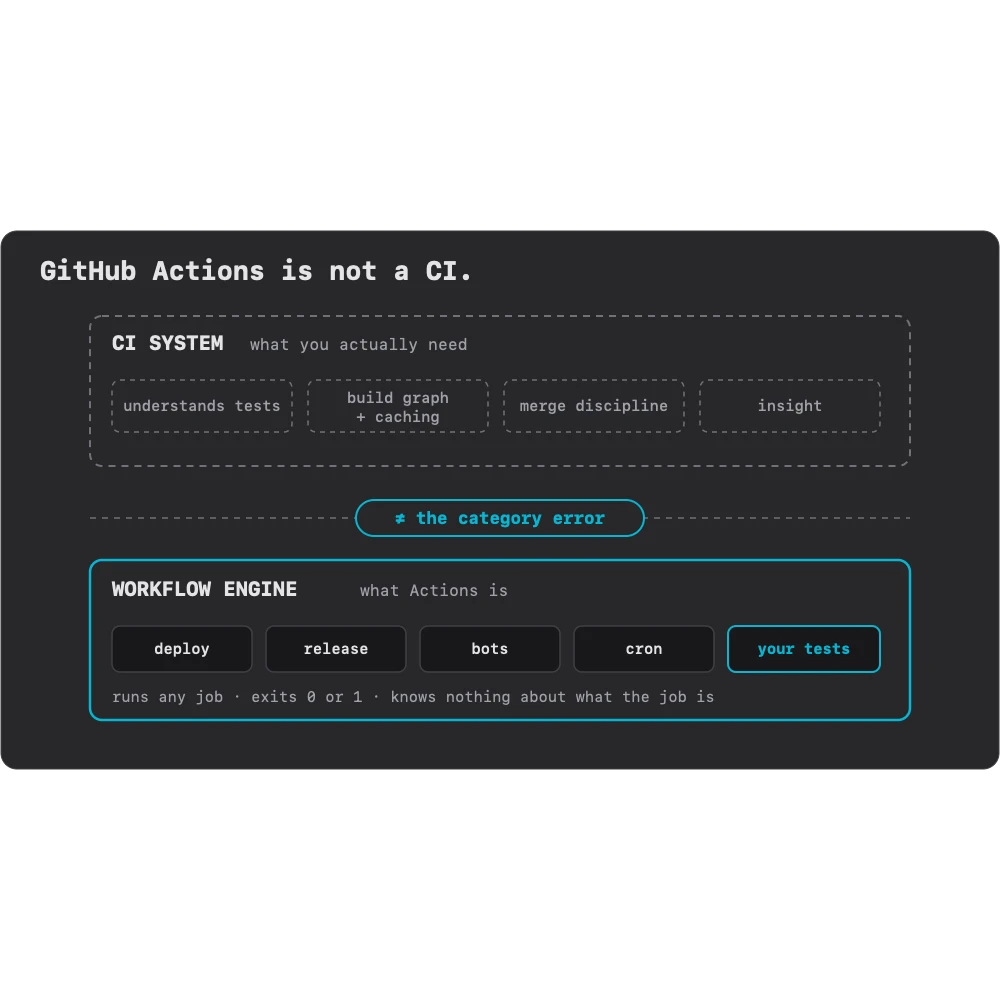
GitHub Actions Isn't a CI
GitHub Actions runs your tests, so technically it's CI. It's still not a CI system, and the whole industry spent a decade mistaking one for the other.
Read more →
The GitHub Platform Era Is Over
For fifteen years, the smart move was to rent your primitives from GitHub. A decade of neglect and a wave of AI just flipped that math. You don't displace GitHub. You stop depending on it.
Read more →